Server
Server Setup
No articles found
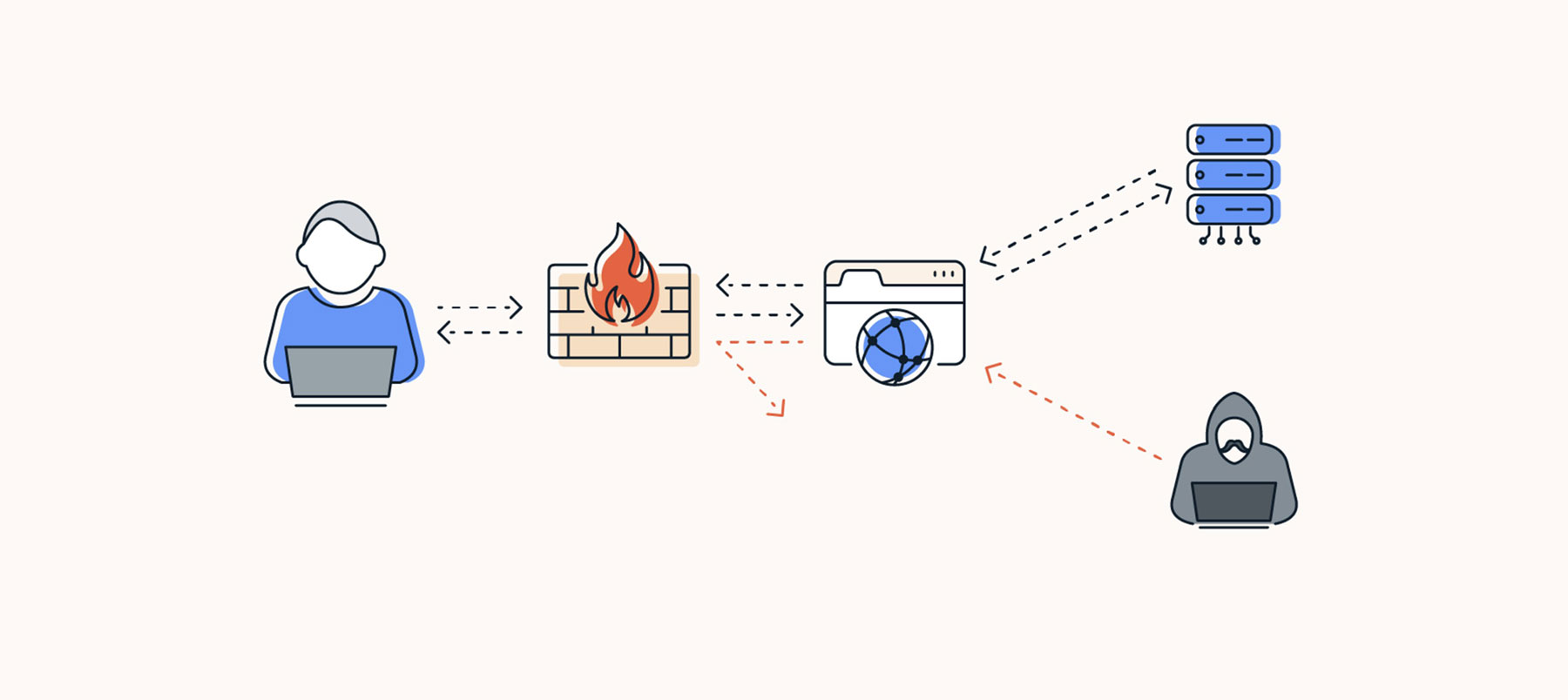
Mastering Firewall Rules with firewalld (Linux Security Guide)
Managing firewall rules is not just a server task — it is your first line of defense. A properly configured firewall protects your server from unnecessary exposure.
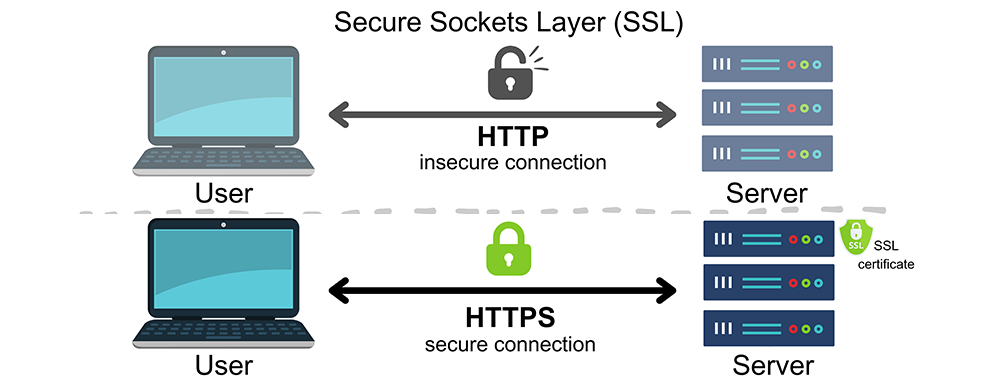
Understanding How SSL Certificates Work
Understanding How SSL Certificates Work: The Backbone of Secure Internet Communication
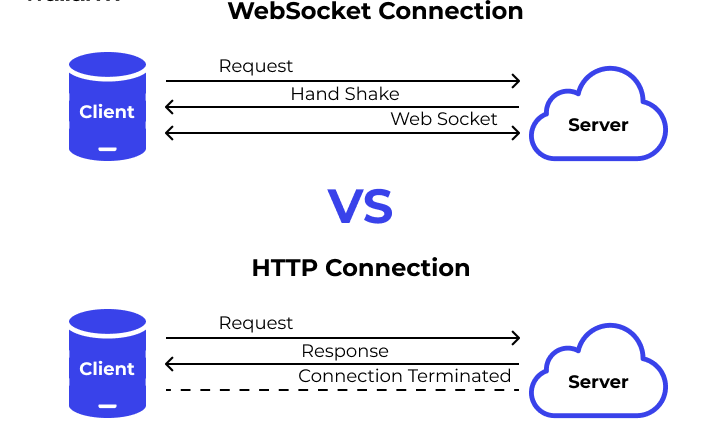
What is WebSocket?
What is WebSocket? Why is it Used & How is it Different from HTTP?
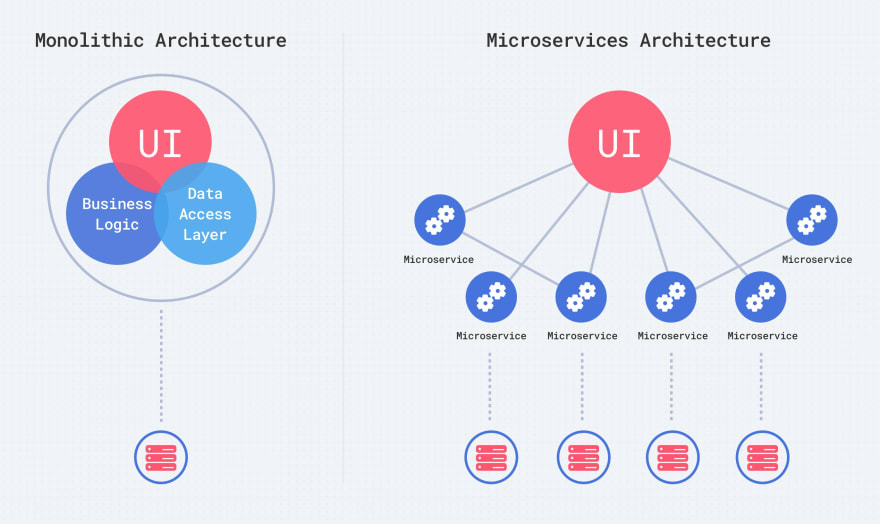
Microservices Vs Monolithic
Microservices Vs Monolithic: Revolutionizing Application Architecture.
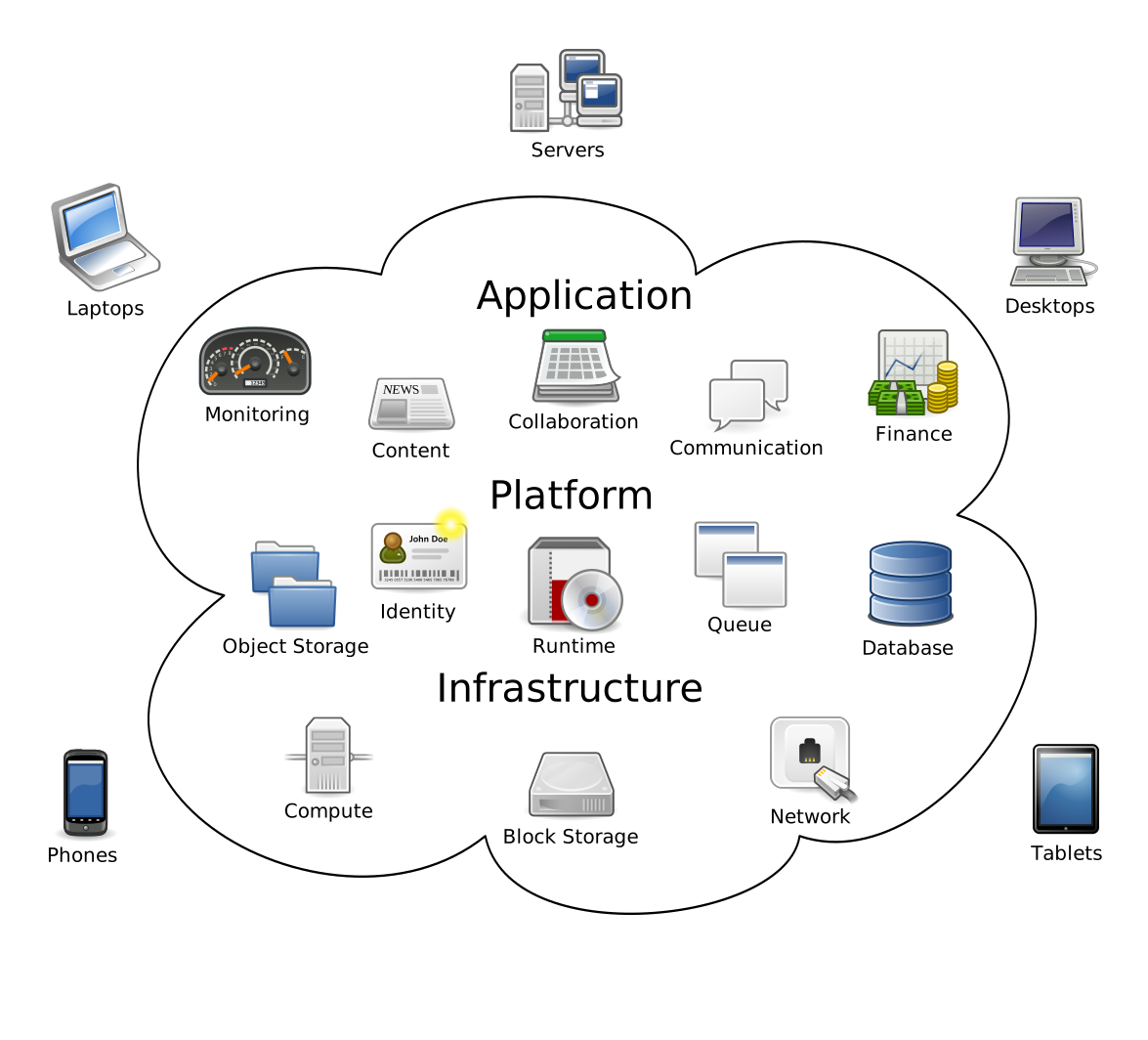
The Power of Cloud Computing: Innovation Without Boundaries
In today’s digital age, cloud computing has revolutionized the way individuals and businesses operate, enabling seamless access to a vast array of services from anywhere in the world. From running bus...

Nginx Vs Apache
The main difference between NGINX and Apache web servers is that NGINX has event-driven architecture handling multiple requests within a single thread, while Apache is process-driven creating a thread per each request. Thus, allowing NGINX to have generally better performance.
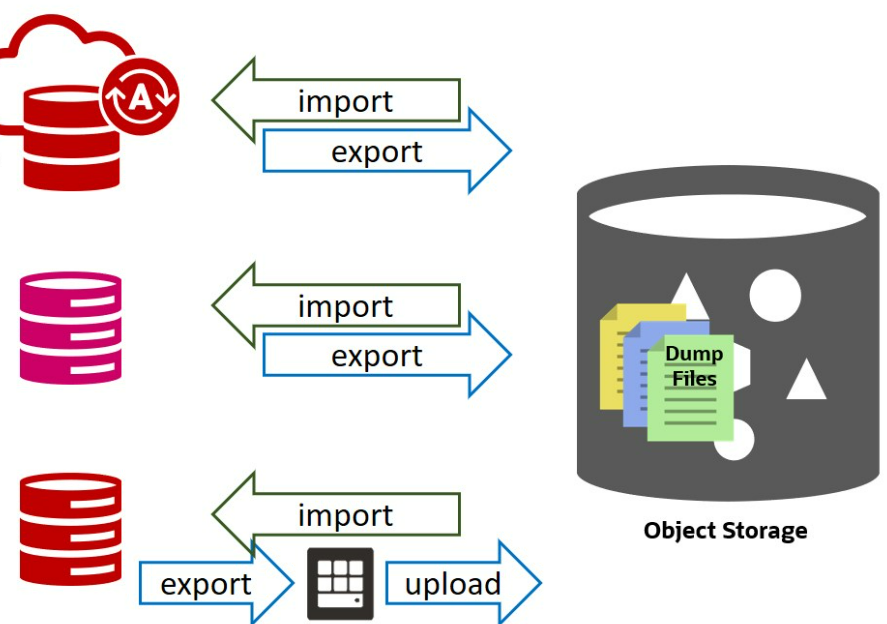
Import Mysql on Google Cloud
In the Cloud Shell of the ProjectFollow the URLhttps://cloud.google.com/sql/docs/mysql/import-export/import-export-sql#gcloud_11. Create a Cloud Storage bucket.Upload the file to your bucket.2. For he...

Ways to Check CPU Clock Speed on Linux
CPU clock speed determines how fast your CPU can process instructions every second. It measures the number of cycles your CPU can execute, measured in GHz or Mhz. As it is hard to increase clock speed beyond a limit, multi-core processors have been introduced. In Linux to check CPU speed, you have to get processor details and there are different tools available to fetch CPU information.

gcloud and gsutil
Install Google Cloud CLI if your are using any linux On on any Cloud Instance. If you are using a Google Compute Engine instance, then you already have gsutil installed. gsutil is a Python application that lets you access Cloud Storage from the command line. You can use gsutil to do a wide range of bucket and object management tasks, including: Creating and deleting buckets.

Useful Linux Commands
When hearing about Linux, most people think of a complicated operating system that is only used by programmers. But it’s not as scary as it seems. Linux is an entire family of open-source Unix operating systems, that are based on the Linux Kernel. This includes all of the most popular Linux based systems like Ubuntu, Fedora, Mint, Debian, and others. More accurately, they’re called distributions or distros.

How to set email credentials
We can setup email for Mailgun, smtp2go.com, Mailtrap and Zoho

Start, Stop, and Restart Nginx with systemctl - Use the systemctl Linux command
To stop Nginx: sudo systemctl stop nginx To start Nginx: sudo systemctl start nginx To reload the Nginx: sudo systemctl reload nginx To restart the Nginx service: sudo systemctl restart nginx To enable the Nginx service: sudo systemctl enable nginx To disable the Nginx service: sudo systemctl disable nginx To check the status of the Nginx service: sudo systemctl status nginx